
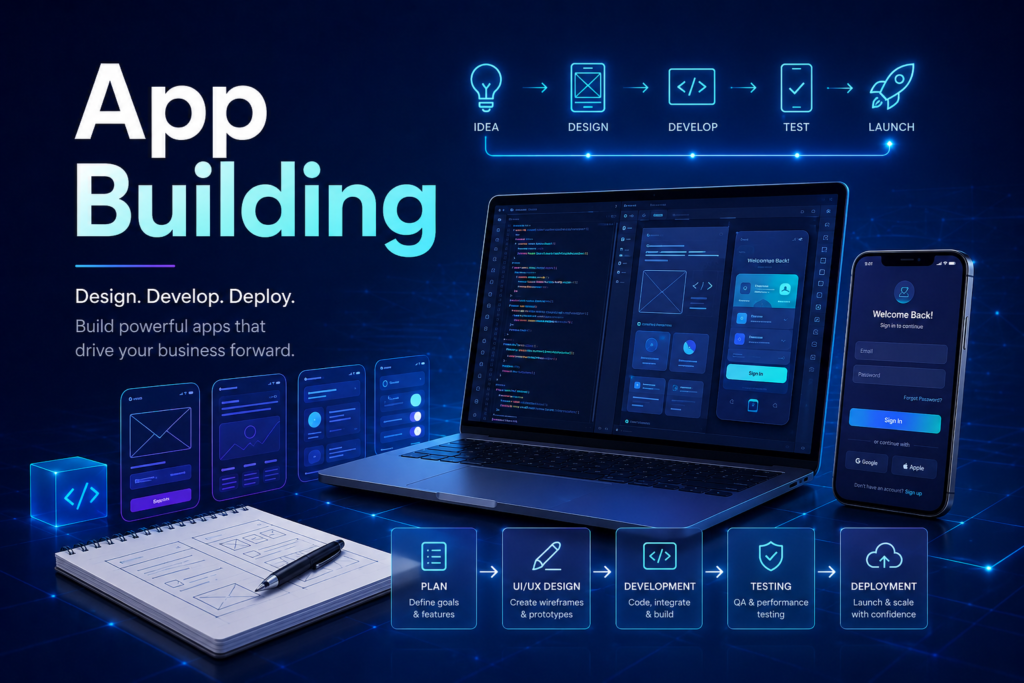
App building is the process of turning an idea into a working digital product that people can use, understand, and hopefully not rage-click into oblivion. It includes planning, design, development, testing, deployment, and ongoing improvement.
A successful app is not built by writing code first and asking questions later. That approach creates expensive confusion with a login screen. Good app building starts with understanding the problem, the users, and the business goal.
What Does App Building Include?
App building includes everything needed to create a functional application. This can include product strategy, feature planning, wireframes, UI/UX design, frontend development, backend development, database setup, API integration, testing, hosting, launch, and maintenance.
For businesses, the goal is not just to build an app. The goal is to build an app that solves a real problem, supports customers, saves time, generates revenue, or improves operations.
Step 1: Define the App Goal
Before designing screens or writing code, you need to define what the app should achieve. Is it for booking appointments? Managing orders? Selling products? Tracking invoices? Automating internal work? The clearer the goal, the easier the development process becomes.
Step 2: Plan the Features
Feature planning helps separate what is necessary from what only sounds impressive in a meeting. A strong first version usually focuses on core features, such as user login, dashboard, search, forms, payments, notifications, reporting, or admin control.
This first version is often called an MVP, or minimum viable product. It allows you to launch faster, test real user behavior, and improve based on evidence instead of imagination wearing a business suit.
Step 3: Design the User Experience
UI/UX design decides how the app looks and how users move through it. Good design makes the app simple, clear, and easy to use. It helps users complete tasks without confusion, unnecessary clicks, or mysterious buttons that seem designed by a committee of tired ghosts.
Wireframes and prototypes are useful because they allow you to review the app flow before development begins. This saves time and avoids rebuilding major parts later.
Step 4: Develop the App
Development turns the design into a working product. Frontend development handles what users see and interact with. Backend development manages business logic, data, user accounts, APIs, security, and server-side operations. A database stores and organizes the information the app needs.
Step 5: Test Before Launch
Testing checks whether the app works correctly across devices, browsers, user roles, and real-life scenarios. It includes bug testing, performance testing, security review, form validation, payment checks, and user flow testing.
Step 6: Launch and Improve
Launching the app is not the end. It is the beginning of real feedback. After launch, you should monitor performance, track user behavior, fix issues, add improvements, and continue optimizing the app for better results.
Final Thoughts
App building works best when strategy, design, development, and support work together. A good app does not just function. It helps people do something faster, easier, or better. That is the rare moment where technology behaves like it was invented for users, not just for developer conference slides.
FAQ
How long does app building take?
It depends on complexity. A simple app may take weeks, while a complex platform can take months.
Should I build a web app or mobile app first?
Many businesses start with a web app because it works across devices and is often faster and more cost-effective to launch.
What is the most important part of app building?
Clear planning is usually the most important part because poor planning creates expensive changes later.
Need help building an app? Start with clear planning, clean design, strong development, and a launch process that does not turn into a small disaster with a logo.