
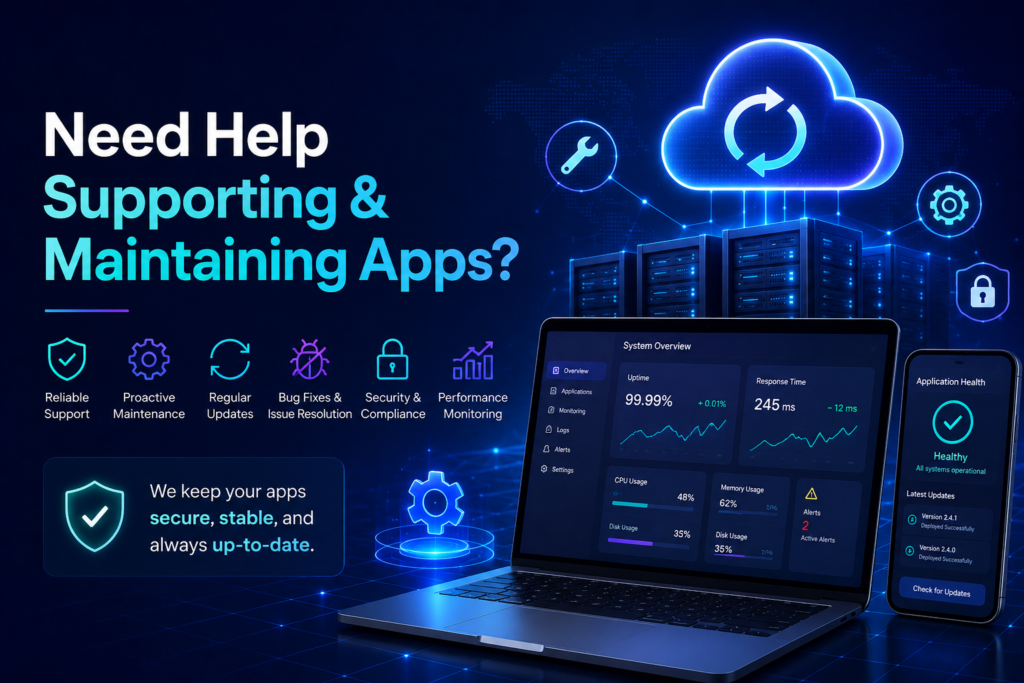
Building an app is only the beginning. Supporting and maintaining apps is what keeps them useful, secure, fast, and reliable after launch. Without maintenance, even a well-built app can slowly become outdated, buggy, vulnerable, or painfully slow. Software, much like people before coffee, does not magically stay functional forever.
App maintenance includes updates, bug fixes, performance checks, security improvements, backups, monitoring, and user support. It protects your investment and keeps users confident in your product.
What Is App Support and Maintenance?
App support and maintenance is the ongoing technical care your application receives after it goes live. It makes sure the app continues to work correctly as browsers, devices, operating systems, servers, libraries, APIs, and user needs change over time.
Why Apps Need Ongoing Maintenance
Apps are connected to many moving parts. A payment gateway can update. A browser can change behavior. A library can become outdated. A server can slow down. A user can discover a bug that was apparently waiting patiently for launch day. Ongoing maintenance helps prevent these issues from damaging the user experience.
Key Areas of App Maintenance
- Bug fixes to solve errors and broken features.
- Security updates to protect against vulnerabilities.
- Performance optimization to improve loading speed and response time.
- Database maintenance to keep data organized and queries efficient.
- Backup management to reduce data-loss risk.
- Compatibility checks for browsers, devices, and third-party services.
- Feature improvements based on user feedback and business goals.
Preventive Maintenance vs Emergency Fixes
Preventive maintenance is planned work that keeps the app healthy. Emergency fixes happen when something breaks unexpectedly. Both are important, but relying only on emergency fixes is expensive and stressful. It is the software version of only visiting the doctor after falling down the stairs.
How Maintenance Improves Security
Security is one of the strongest reasons to maintain an app. Outdated packages, weak permissions, misconfigured servers, and old dependencies can create risks. Regular maintenance helps reduce those risks through updates, audits, monitoring, and better access control.
How Maintenance Improves User Experience
Users expect apps to be fast and dependable. Regular support improves loading speed, reduces crashes, fixes broken flows, and keeps the app aligned with user needs. A maintained app feels professional. An abandoned app feels like a digital haunted house with a contact form.
When Should You Get App Maintenance Support?
You should get maintenance support if your app is business-critical, receives regular users, stores customer data, uses APIs, processes payments, or needs frequent updates. You should also get support if your current team does not have time to monitor and improve the app consistently.
Final Thoughts
Supporting and maintaining apps is not glamorous, but it is essential. It keeps your application secure, stable, updated, and ready for growth. A good maintenance plan protects your users, your business, and your sanity, which frankly could use all the help it can get.
FAQ
What is app maintenance?
App maintenance is the ongoing process of updating, fixing, securing, monitoring, and improving an application after launch.
How often should an app be maintained?
Apps should be monitored continuously and reviewed regularly, especially after updates, feature releases, or traffic changes.
Can maintenance improve app performance?
Yes. Maintenance can improve speed through code optimization, database tuning, caching, and server improvements.